Not every customer issue needs a live agent. Password resets, order status checks, and policy FAQs are tier-1 volume that inflates staffing costs without adding customer value. Amazon Connect Cases combined with Amazon Q in Connect (formerly Wisdom) creates a self-service and async resolution layer that deflects 25–35% of inbound volume before it reaches a queue. This guide covers the architecture, knowledge base design, and case management workflows we deploy for AWS-centric contact centres.
The tier-1 deflection stack
Amazon Connect's deflection capabilities operate at three layers, each handling a different resolution path:
- Amazon Q in Connect (Wisdom) — AI-powered knowledge retrieval for agents and self-service. Answers customer questions from indexed content in real time
- Amazon Connect Cases — structured case management for issues that can't be resolved instantly. Tracks status, assignments, and SLA without leaving Connect
- Lex V2 + Lambda — conversational AI that handles structured lookups (order status, account balance) and creates cases when resolution requires human follow-up
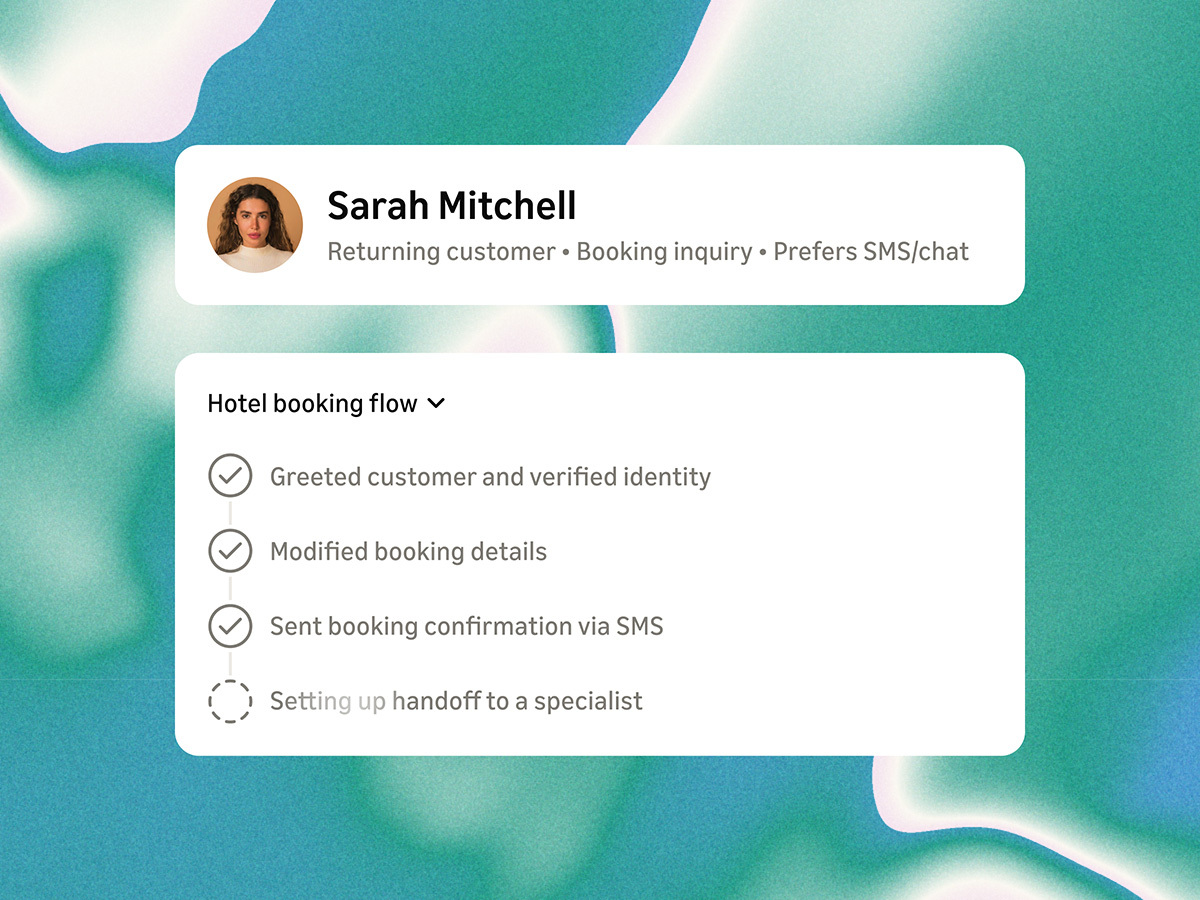
The three components share a common knowledge base and customer context layer. A customer who starts in chat, gets a partial answer from Wisdom, and escalates to an agent should never repeat their issue — the case record carries the full transcript.
Step 1: Build the knowledge base
Amazon Q in Connect indexes content from S3, Salesforce, ServiceNow, Zendesk, or Microsoft SharePoint. For tier-1 deflection, curate content deliberately:
- Export your top 50 support articles by page view and ticket deflection rate
- Rewrite each article as a concise Q&A pair (question, answer, related articles)
- Tag with intent categories that map to your Lex bot intents
- Upload to an S3 bucket with the Connect knowledge base connector
Content quality matters more than content volume. Twenty well-structured articles outperform two hundred outdated PDFs. Schedule a monthly content review cycle — stale knowledge erodes deflection rates within a quarter.
Step 2: Configure Connect Cases
Connect Cases provides native case management without a third-party CRM for async workflows. Define your case fields and templates:
# Connect Cases field template (CloudFormation excerpt)
CaseField:
  Type: AWS::Connect::CaseField
  Properties:
    DomainId: !Ref CasesDomain
    Name: issue_category
    Type: SingleSelect
    Options:
      - billing
      - technical_support
      - account_management
      - product_enquiry

CaseTemplate:
  Type: AWS::Connect::CaseTemplate
  Properties:
    Name: tier1_async_resolution
    Fields:
      - issue_category
      - customer_id
      - priority
      - resolution_notes
Configure case assignment rules: billing cases route to the billing team queue, technical cases to tier-2. Set SLA targets per case type — 4 hours for billing, 24 hours for technical. Connect Cases tracks SLA breach and sends notifications via SNS or EventBridge.
Step 3: Wire the contact flow for deflection
The contact flow orchestrates the deflection logic. A typical tier-1 flow:
- Customer initiates chat or calls inbound
- Lex bot handles intent recognition and structured lookups
- On FAQ intent → invoke Wisdom API for knowledge retrieval → return answer
- On resolution → close contact with deflection flag
- On unresolved → create Connect Case with transcript, notify customer of case ID and expected response time
- On explicit escalation request → transfer to agent queue with case pre-populated
# Lambda: create case on unresolved interaction
import boto3

def create_async_case(contact_id, customer_id, transcript, category):
    connect_cases = boto3.client('connectcases')
    response = connect_cases.create_case(
        domainId=CASES_DOMAIN_ID,
        templateId=TIER1_TEMPLATE_ID,
        fields=[
            {'id': 'issue_category', 'value': {'stringValue': category}},
            {'id': 'customer_id', 'value': {'stringValue': customer_id}},
        ]
    )
    return {
        'caseId': response['caseId'],
        'message': f'Case {response["caseId"]} created. '
                   f'We will respond within 4 hours.'
    }
Step 4: Agent assist with Wisdom
For contacts that do reach an agent, Wisdom provides real-time knowledge recommendations on the agent desktop. As the agent types or the customer speaks, Wisdom surfaces relevant articles ranked by relevance score.
Configure Wisdom with:
- Agent-facing recommendations — top 3 articles displayed in the CCP (Contact Control Panel) sidebar
- Auto-suggest — Wisdom proactively surfaces content based on conversation context without agent search
- Feedback loop — agents mark recommendations as helpful or not; feed back into content prioritisation
Agent assist reduces average handle time by 15–25% for knowledge-intensive contacts. Combined with tier-1 deflection, the total volume reduction often justifies the Amazon Q licensing cost within the first quarter.
Measuring deflection effectiveness
Build a Connect analytics dashboard tracking:
- Self-service deflection rate — contacts resolved without agent or case
- Async case deflection rate — contacts resolved via case without live agent
- Knowledge article hit rate — which articles are surfaced and acted upon
- Case SLA compliance — % of async cases resolved within target
- Re-contact rate — customers who deflect but call back within 24 hours
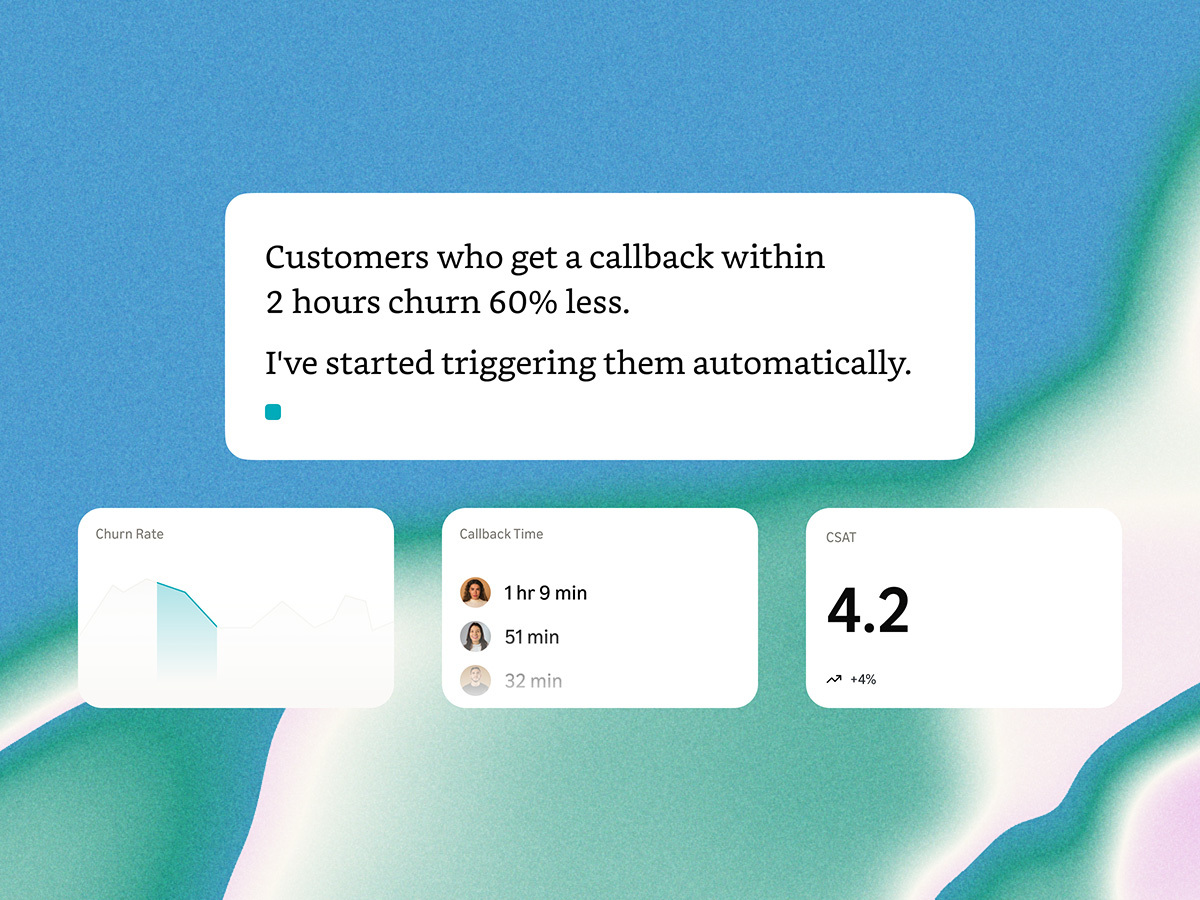
A healthy deflection programme shows declining re-contact rates over time — customers trust the self-service path because it actually resolves their issue.
What's next
Connect Cases and Wisdom are the async resolution layer beneath your conversational AI. Once tier-1 deflection is stable, extend with Amazon Q agent assist for complex tier-2 contacts and integrate Cases with your CRM for closed-loop reporting. See our AI Support Agent Quickstart or contact us for a deflection assessment.